
Exam with extra time
Two timers that start together, the full time and 25% extra time, with the clock and a note that says which is which.
Part of: Exam timer
- Exams
- No prep
- Free
Use this template
It opens on your board as a new screen in your account. If you are not signed in, you sign in first.
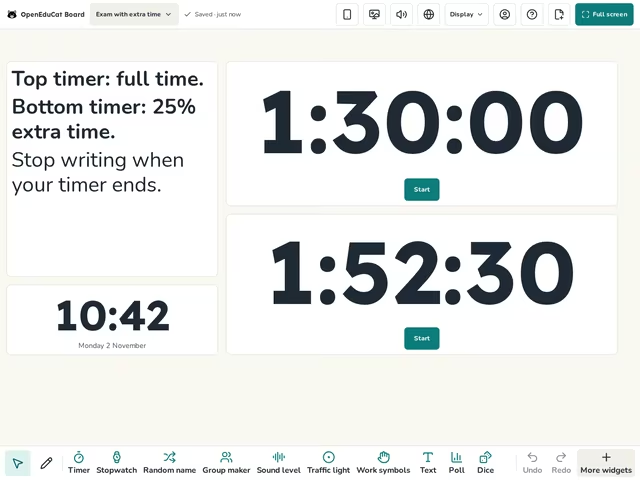
On the screen
- Text
- Clock
- Timer
How to use it
- Set the top timer to the length of the exam.
- Set the bottom timer to the time with extra time: 1:52:30 for 90 minutes plus 25%.
- Start both timers at the same moment.
Tip
The timers keep the right time if the laptop sleeps. Write the finish times on the board too, as a backup.
About this template
- Level
- Middle school, High school, and College
- Category
- Exams
- Screens
- 1 screen
By OpenEduCat · Published November 19, 2026