Exit ticket maker
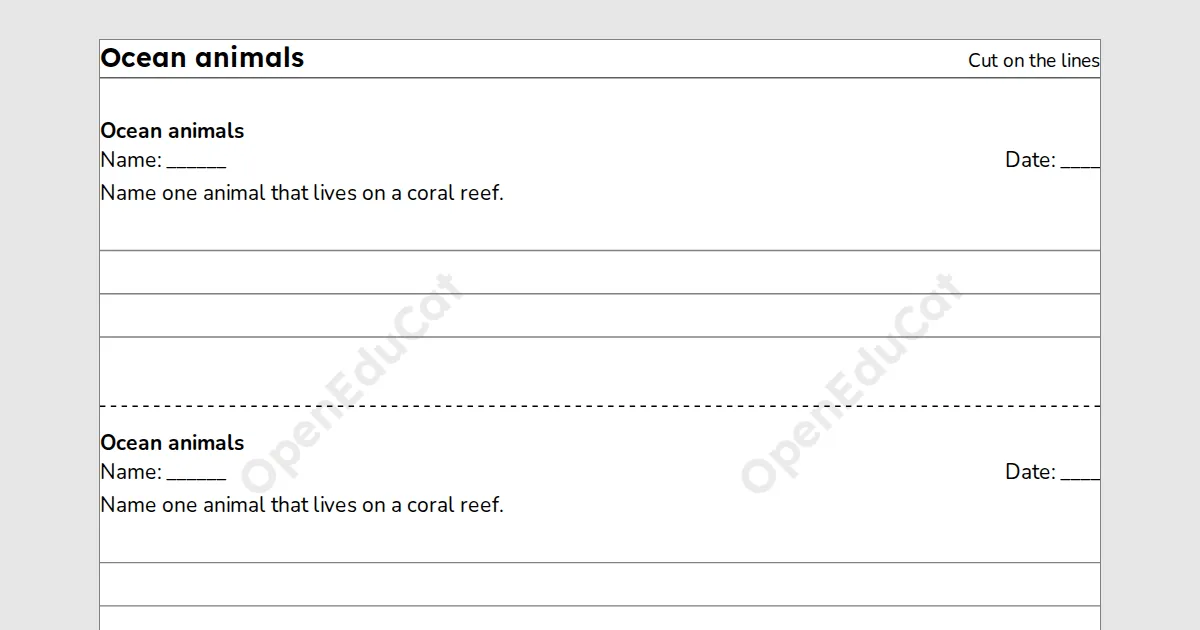
An exit ticket maker for teachers: type up to 5 prompts, choose the answer lines, and print 2 or 4 tickets on a page to cut apart. It needs a free teacher account.
A printable for teachers. Type up to 5 prompts, choose the answer lines, and print 2 or 4 tickets on a page. Free with a teacher account: sign in once on each device to build, save and print.
Key facts
- Prompts
- Up to 5 on a ticket, with up to 10 answer lines
- Paper
- A4 or Letter
- Print and PDF
- Made on this device; on Free a light watermark and the footer line
- Languages
- 8 languages, including Hindi and Arabic
- Price
- Free
- Account
- A free teacher account; students never sign in
- No student accounts.
- No ads.
- Data-processing agreement on request.
How to make exit tickets for your class
- Type one prompt per line, up to 5.
- Choose the tickets on a page, the answer lines and the name and date lines, and press Make tickets.
- Choose A4 or Letter, print the copies you need and cut on the dashed lines.
Questions teachers ask
How many copies do I print?
One page holds 2 or 4 tickets. For 28 students at 4 on a page, set 7 copies in the print dialog.
Why can I not have more answer lines?
A ticket has a fixed height. If your prompts and lines do not fit, the page says how many lines do. Choose fewer lines or prompts, or 2 tickets on a page.
Does it work in Hindi or Arabic?
Prompts in any script work, and Arabic tickets read from the right.
Are my prompts saved?
Yes. Your prompts are saved to your items and open on any device you sign in on. Print or download the tickets to keep them.
Related tools
Counted per page. Report a problem for bugs.