Dot-to-dot generator
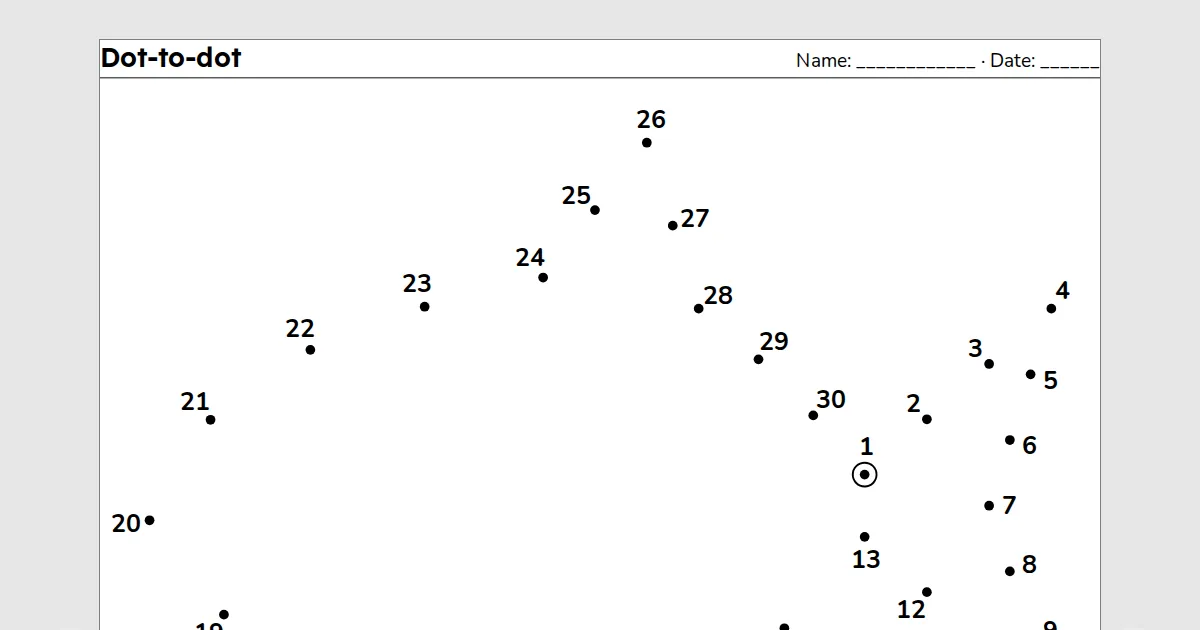
A dot-to-dot generator for teachers: pick a picture, choose 10 to 100 dots in numbers or letters, and print the page with its solution on page 2. It needs a free teacher account.
A printable for teachers. Pick a picture, choose 10 to 100 dots and numbers or letters, and print a dot-to-dot with its solution on page 2. Free with a teacher account: sign in once on each device to build, save and print.
Key facts
- Dots
- 10 to 100, in numbers or letters, with the solution
- Paper
- A4 or Letter
- Print and PDF
- Made on this device; on Free a light watermark and the footer line; Add to book puts sheets in one PDF
- Languages
- 8 languages, including Hindi and Arabic
- Price
- Free
- Account
- A free teacher account; students never sign in
- No student accounts.
- No ads.
- Data-processing agreement on request.
How to make a dot-to-dot
- Pick a picture from the list, or press Shuffle picture for another one.
- Choose how many dots, and numbers or letters. Fewer dots suit young children; letters go up to 26 dots.
- Print 2 pages, the dots and the solution.
Questions teachers ask
How many dots should I choose?
About 10 to 20 dots suit early years, 30 to 50 suit Grade 1 to 3, and up to 100 make a long puzzle for older students. Every corner of the picture gets a dot when there is room, so the shape stays clear.
Can the dots be letters?
Yes, up to 26 dots, one letter each in the order of the alphabet. For more dots, choose numbers.
Can I print the dots without the solution?
Yes. The solution is page 2: choose page 1 only in the print dialog, or download the PDF and share page 1 only.
Related tools
Counted per page. Report a problem for bugs.