Bookmark maker
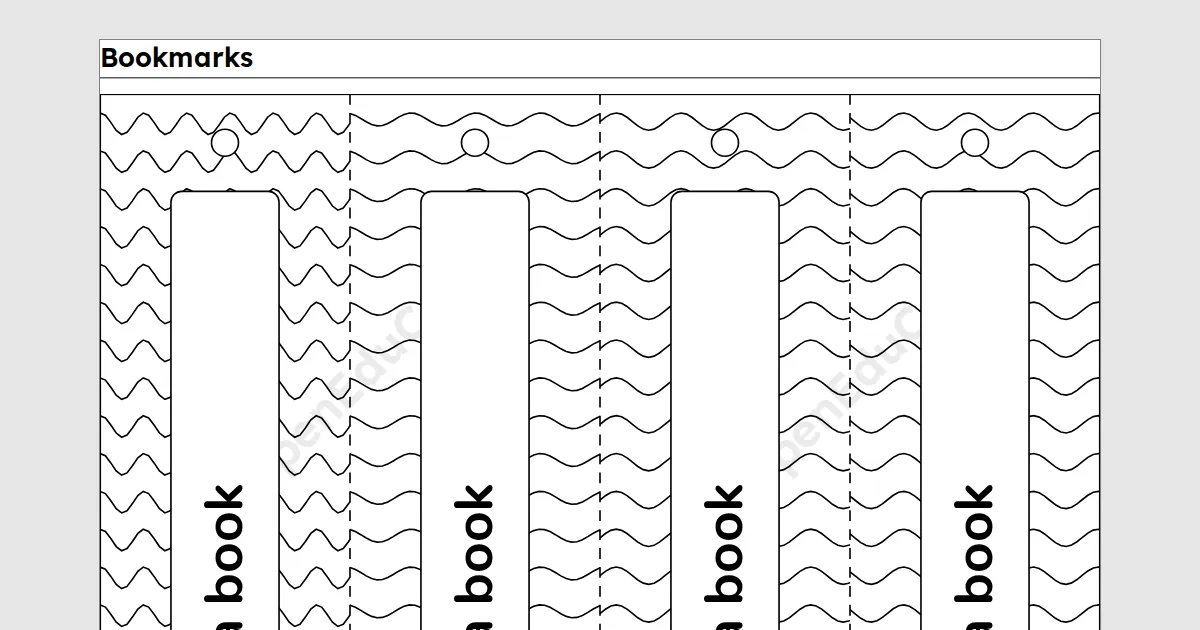
A bookmark maker for teachers: type a few words, pick stripes, dots, waves or no pattern, and print a page of bookmarks with cut lines for your class. It needs a free teacher account.
A printable for teachers. Type a few words, pick stripes, dots, waves or no pattern, and print a page of bookmarks with cut lines for your class to colour in. Free with a teacher account: sign in once on each device to build, save and print.
Key facts
- Bookmarks
- 4 on a page, each with up to 40 characters
- Paper
- A4 or Letter
- Print and PDF
- Made on this device; on Free a light watermark and the footer line; Add to book puts sheets in one PDF
- Languages
- 8 languages, including Hindi and Arabic
- Price
- Free
- Account
- A free teacher account; students never sign in
- No student accounts.
- No ads.
- Data-processing agreement on request.
How to make bookmarks
- Type the words for each bookmark, such as Keep reading, or leave them out for children to write their own.
- Pick a pattern to colour in: stripes, dots, waves or none. Shuffle gives the bookmarks new patterns.
- Print the page, then cut along the dashed lines.
Questions teachers ask
How do I cut them out?
Cut round the solid edge, then along the dashed lines between the bookmarks. A hole punched at the small circle takes a ribbon or a piece of wool.
Are the bookmarks in colour?
No. The patterns are black lines on white for the class to colour in, so the page prints clearly on any printer.
Can each child write their own words?
Yes. Leave the words empty and the white panel on each bookmark stays blank for a name or a favourite book.
Related tools
Counted per page. Report a problem for bugs.